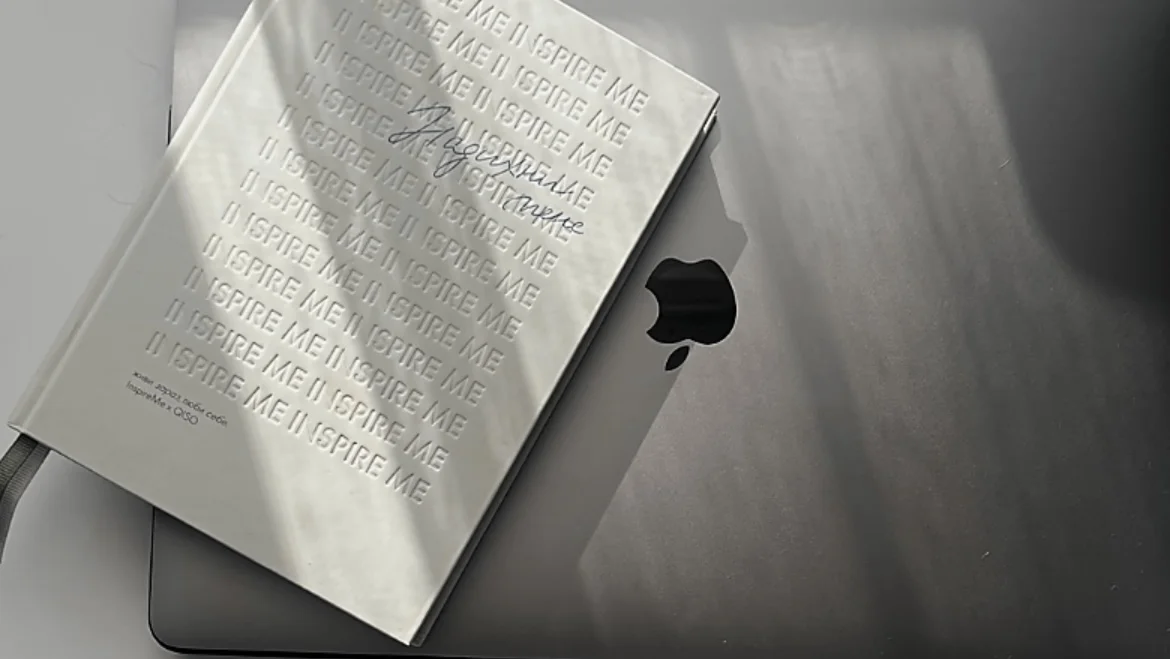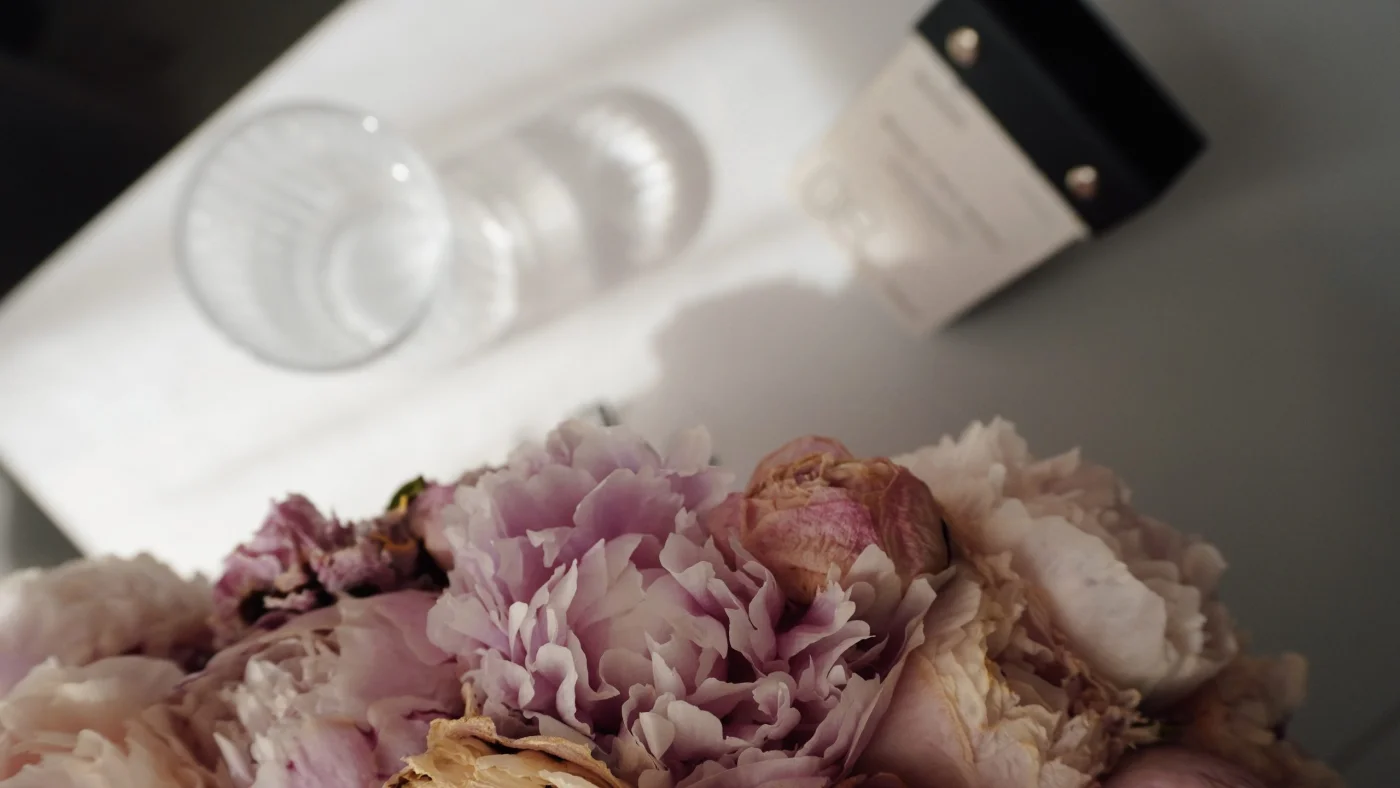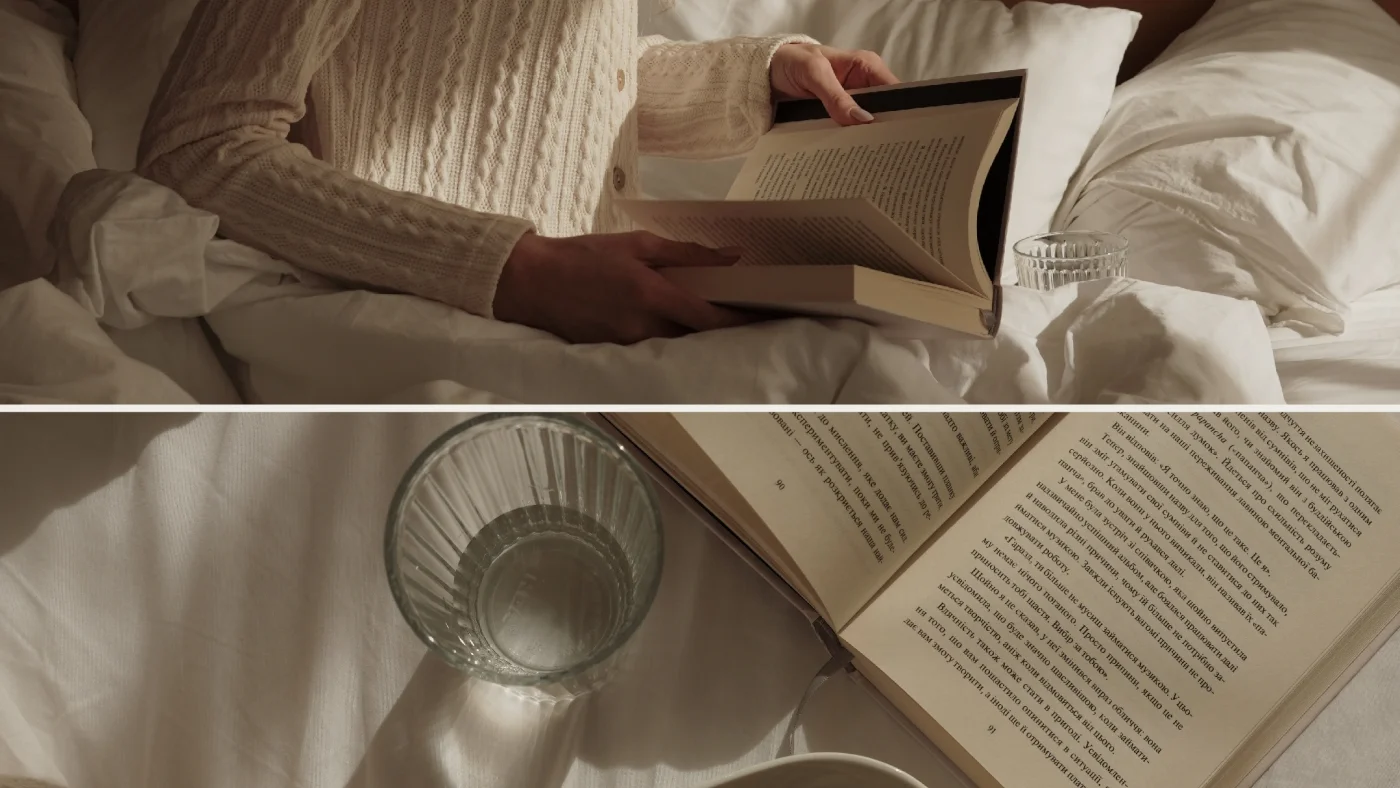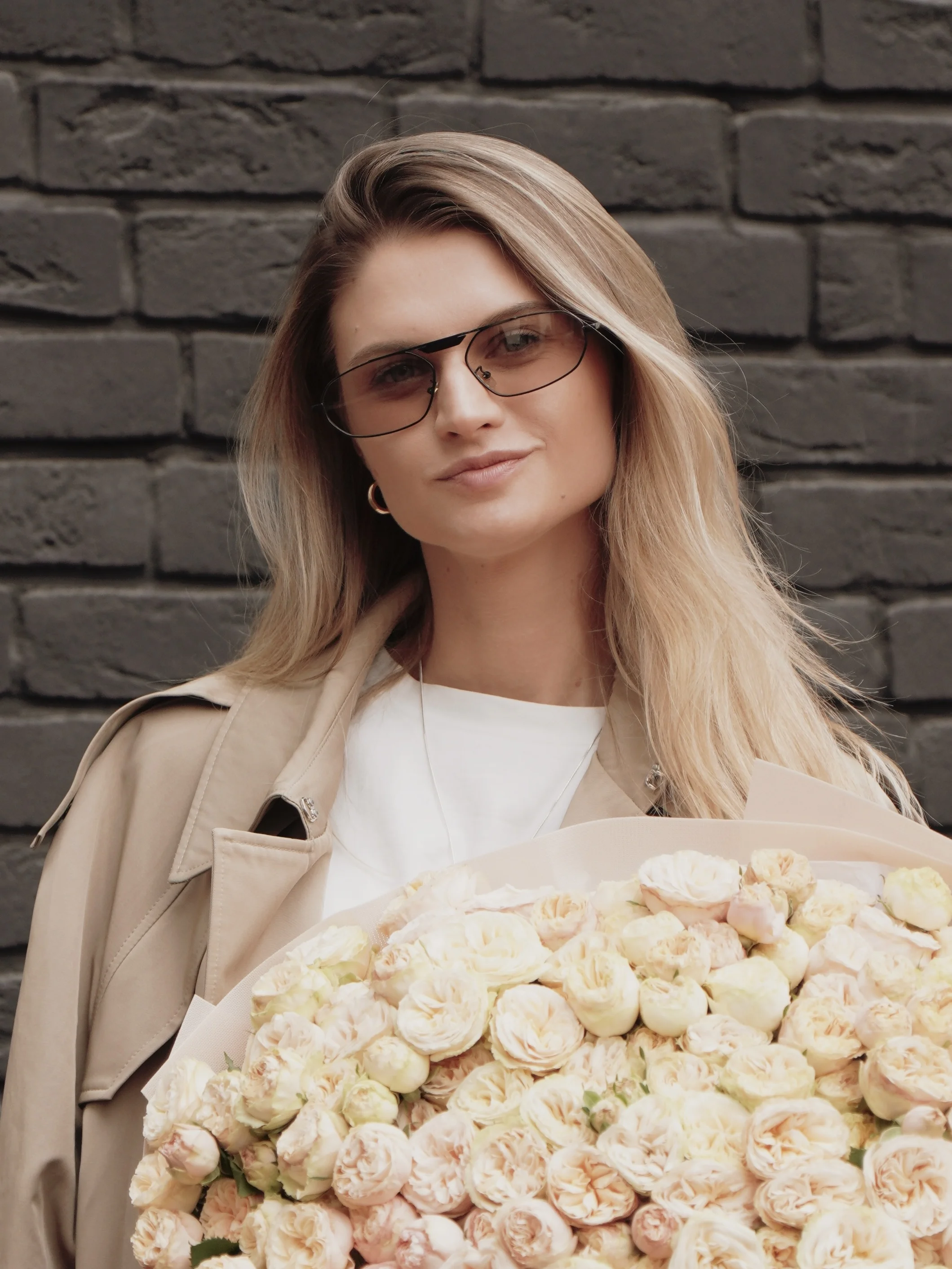

The world has long changed. Instead of business cards — Instagram profiles. Instead of "phone number" — "give me your handle". In 2025, social media has become your digital CV, portfolio, resume, and first impression all in one.
You're not just a blogger or creator. You're a brand.
And the first thing people see — your visual.
Visual Is Not Just Pretty. It's About Trust, Style, and Value
A modern profile feed is your space where:
- your mood, values, and aesthetics are conveyed
- the image of an expert, creator, or simply "a person with taste" is formed
- a decision is made: follow or scroll past
When someone visits your profile — you have 3–4 seconds to capture interest. And the deciding factor won't be the caption under the photo, but the visual style of the page as a whole.
What Is Visual, Really?
In short: it's everything visible at once.
Photos, videos, colors, style, composition, presentation, accents.
But essentially — it's your personality in the frame.
Visual = your mirror.
If it's empty or chaotic — people don't feel who you are.
When a visual "repels":
No idea or uniqueness
Just "pictures" — without structure or presentation
No color harmony
Chaotic styles, unclear topic
Technical poor quality: blurriness, incorrect light, crops
This means: loss of trust + loss of follower + loss of potential client.
Three Foundations of a Visual That Attracts, Not Repels
For a visual in your blog to work toward results, it's important not just to follow trends, but to build content on strong ideas, sincerity, and competence.
1. Meaning: Awareness in Every Frame
This is not about "everything pretty — let's publish". It's about filtering by idea.
- What do you want to say through the photo?
- How does it relate to the image you're building?
- Is this content "just to have" or is it part of your visual conversation with the audience?
If every post is a piece of a mosaic, you need to have the picture it creates.
2. Authenticity: Sincerity That Builds Trust
In times when social media is overflowing with artificial "glossy beauty," what resonates most is genuineness. People want to see real people they can relate to, not perfect Pinterest pictures.
Authenticity in visual is:
- you in the frame without excessive posing;
- real colors, real light;
- scenes from everyday life — but with an aesthetic angle;
- editing that enhances the atmosphere without distorting reality.
Genuine aesthetics will always resonate more deeply than perfect but cold packaging.
3. Visual Literacy: Seeing the Frame, Not Just "Clicking"
In a world where everyone has a camera, the winners aren't those with the iPhone 16 Pro, but those who see the photo before taking it.
Signs of a visually literate blog:
- understanding how light works;
- clear lines, thoughtful compositions;
- stability of colors and style;
- consistent editing (e.g., with MULI);
- balance between "alive" and "stylish".
👉 Want to better understand light, composition, and home photography?
Read our tips on how to take beautiful photos on your smartphone at home — simple advice that genuinely changes content.
This is not necessarily professionalism, but definitely — conscious aesthetics.
How This Works
In this post I'm speaking not only as a strategist, but as someone who builds a visual every day — through my blog.
In my feed I always try to combine naturalness and aesthetics, create a light rhythm that doesn't tire, but attracts.
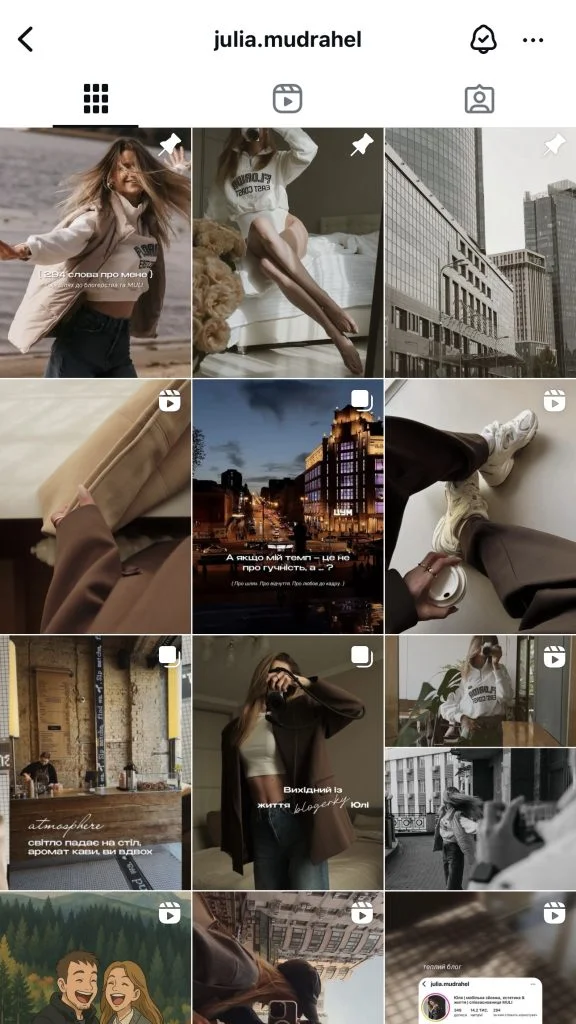
What's key for me:
• natural light and soft editing,
• a stable color palette — warm, nude, milky tones,
• movement in the frame that adds living dynamism, not just a "pose".
I believe visual is not about perfection, but about a recognizable feeling that stays with the follower.
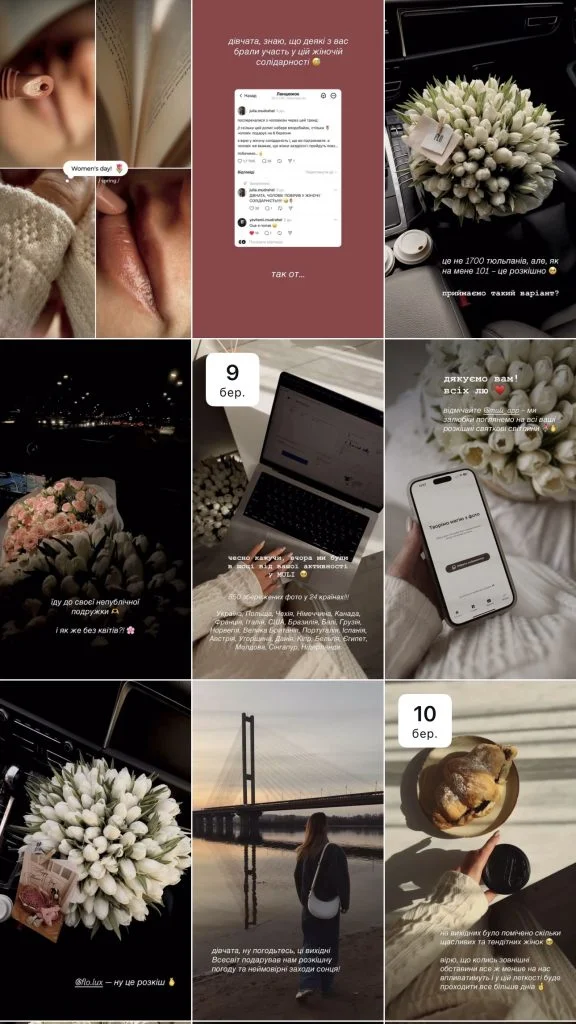
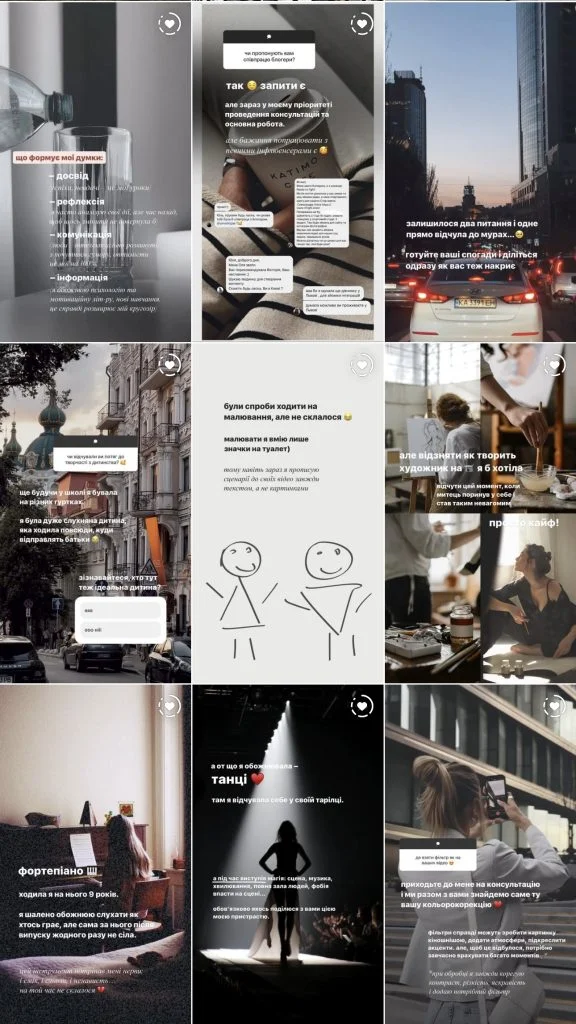
👉 If you want to learn more about working with angle, light, and editing — check my guide: How to Take the Perfect Selfie: Lighting, Angle, and Editing.
How to Start Improving Your Visual — From Scratch
- Ask yourself: "What do I want people to feel when they see my profile?"
- Analyze existing content: hide/delete posts that "stand out" from the overall style or don't work for your image
- Collect references — Pinterest, Instagram saves
- Choose a color palette — 2–4 main tones
- Align your editing — MULI filters will help greatly with this
- Work with composition: explore angles, try flat lay, volume, texture
- Organize your stories — remember a certain style and stick to it
One of the easiest ways to add "depth" to a profile — collages. They not only visually diversify the feed but tell a story through several frames at once.
Here's a guide on how to make a photo collage in MULI.
MULI — Your Tool for Visual Literacy
Why MULI helps bloggers build their visual:
- filters adapted for Instagram, Pinterest, Threads;
- collage templates that look "premium";
- editing without quality loss (4K);
- ability to convey mood through shadow, grain, frames, blur.
And for trending editing in 2025, read our comprehensive filter guide.