Want to learn how to take stylish photos at home without a studio or professional camera? Actually, all you need for a great shot is a smartphone, a bit of light, and imagination. The MULI team has prepared a selection of simple tips that will help you create aesthetic, atmospheric photos right at home.
1. Use Natural Light
Natural lighting is the main secret to beautiful photos at home.
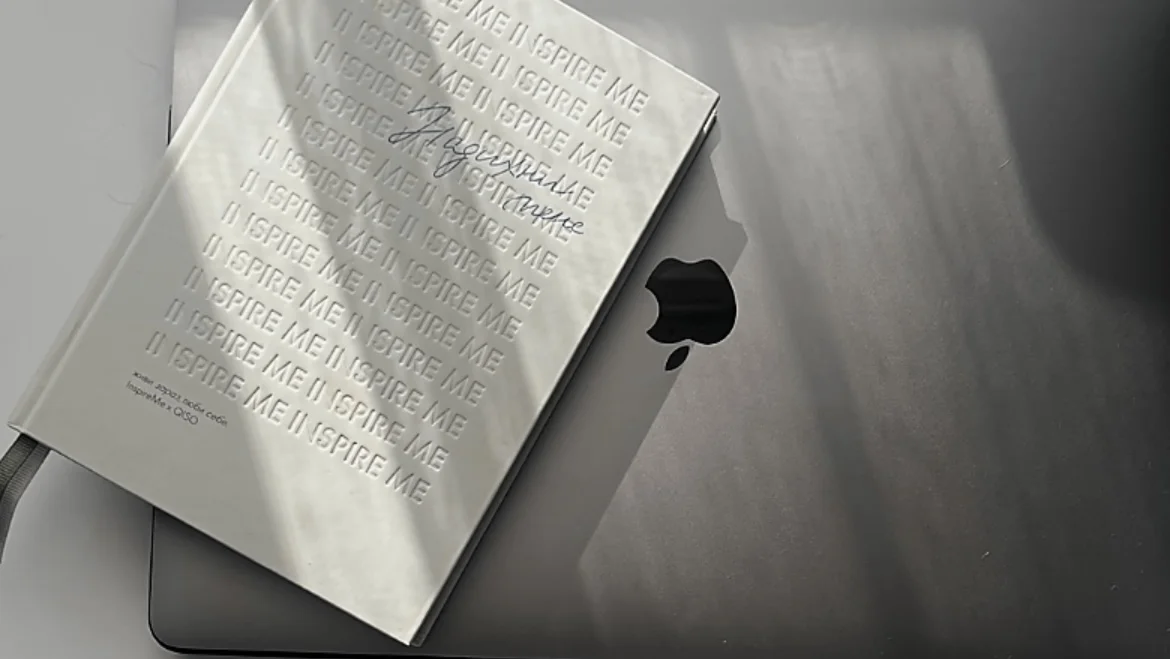
- Stand by the window: soft daylight makes skin smooth, adds depth and volume.
- Shoot during the "golden hour" — that's the hour after sunrise or before sunset. The light is warm, soft, cinematic.
- Use curtains or blinds to create soft shadows on the face or background.
2. Play with Props
Props are a simple way to make a photo unique and alive.
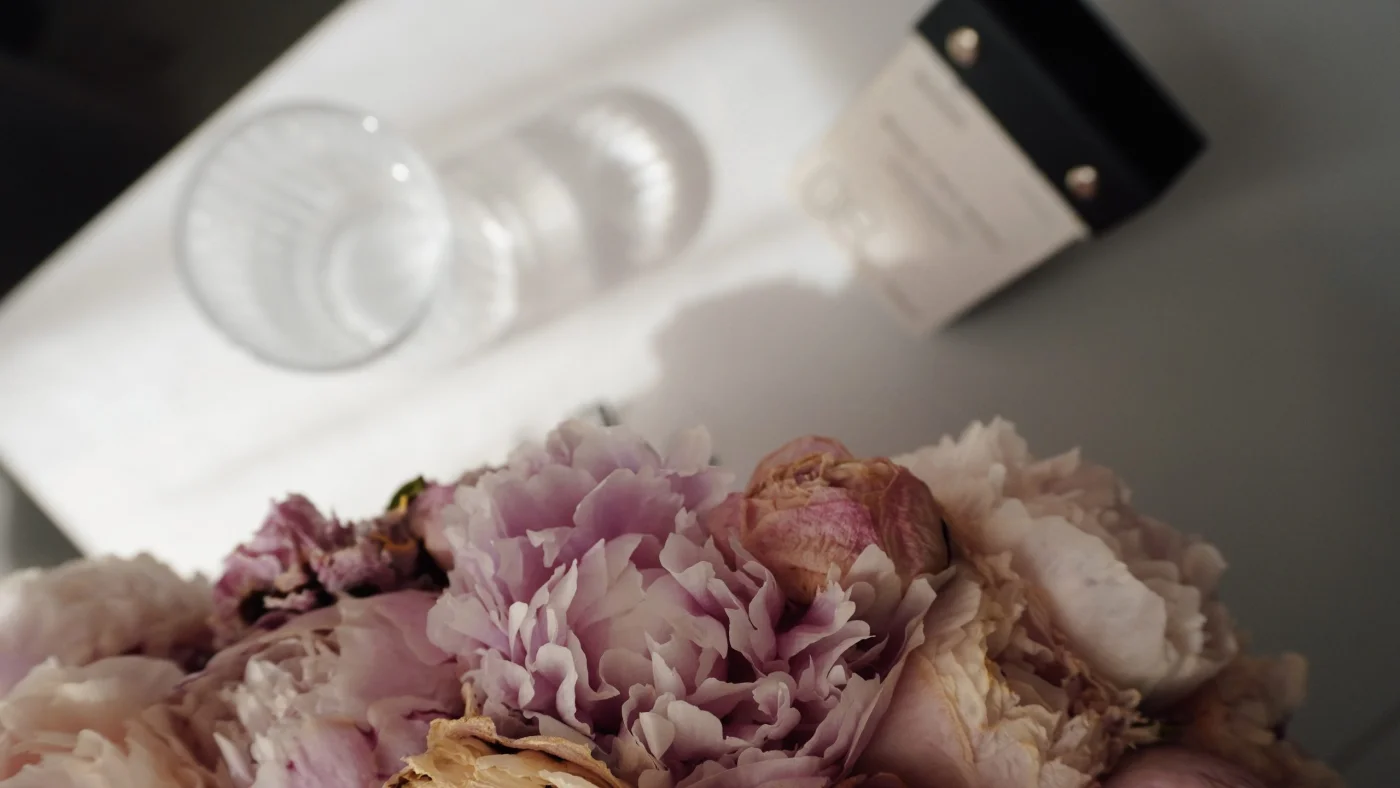
- Transparent objects: a glass of water, crystal, mirror — create light effects.
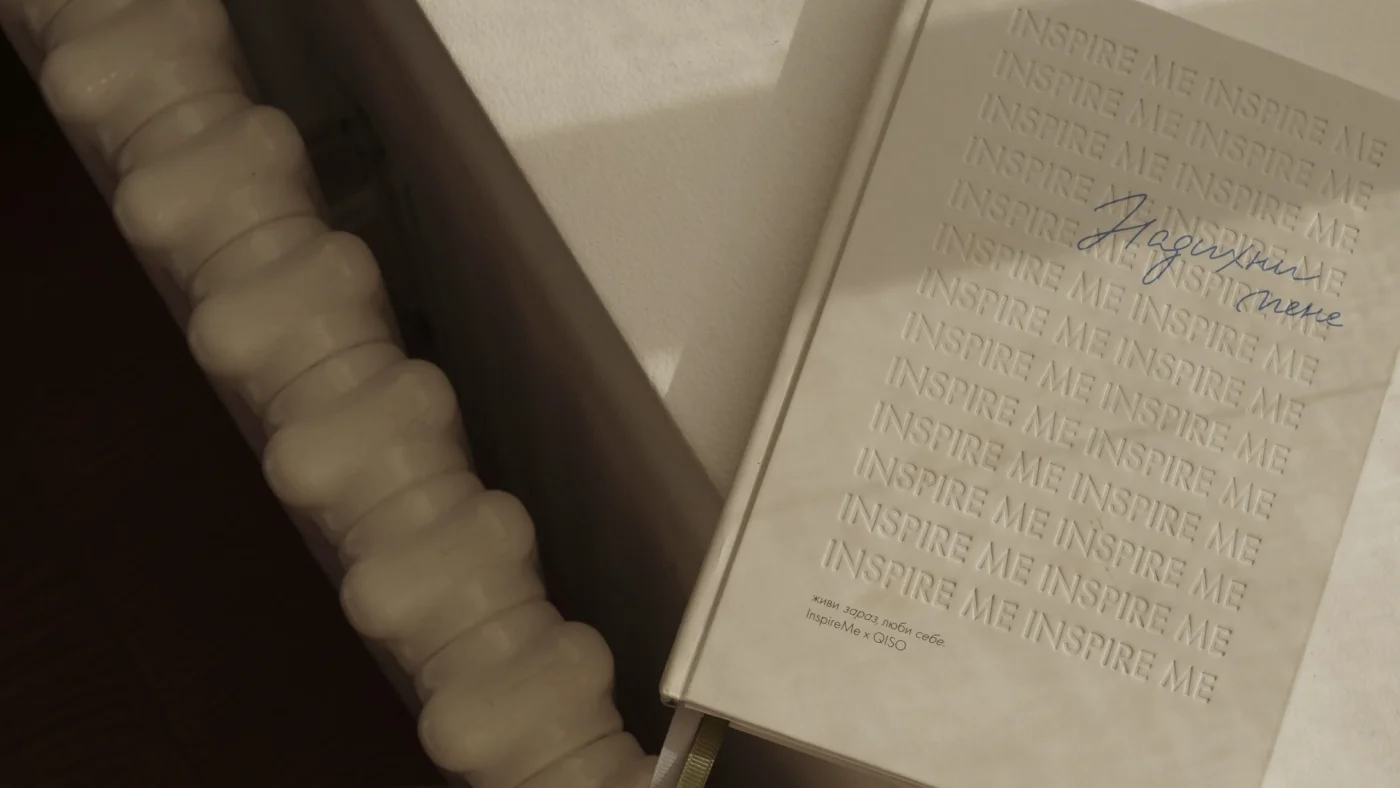
- Decor: fabrics, books, a cup of coffee, plants — add texture and mood.
- Fairy lights or lamps: in the evening they create soft light and a magical atmosphere.
3. Experiment with Angles
Changing the shooting point is the quickest way to make an ordinary photo extraordinary.
- Photo from above — adds lightness, minimalism, perfect flat lay.
- Photo from below — creates drama, a sense of scale and emphasis on the subject.
- Use reflections — a mirror or phone screen will give a double-frame effect.
- Shooting through objects — for example, through leaves, glass, fabric. This adds depth and a sense of "peeking".
4. Minimalism in the Frame — Stylish Simplicity
Sometimes the best photo is a simple photo.
- Use a clean background — solid-color walls, curtains, or bed sheets.
- Choose neutral colors: white, beige, gray — or contrasting ones to highlight the subject.
- Remove everything unnecessary from the frame: every extra item steals attention.
Formula for a stylish shot: one main subject + minimal background + attention to detail
5. Edit Photos in MULI — Add Magic
Even the best shot can be made even better. In MULI you'll find everything you need for stylish editing right on your phone:
🎨 Filters for any mood — from warm coffee to contrasting black and white, to convey the emotion of the shot
🌫 Text shadow — for expressive captions and a volume effect
🔲 Blur — creates depth, focus on the main subject, and adds atmosphere
📐 Frames — for a finished style, structure, and accent
🎞 Grain — a light film texture for retro aesthetics
🌘 Darkening — for creating mood, dramatic effect, or improving text readability
🌀 Rounded corners — adds softness, nostalgia, and the feeling of a retro photo card
MULI is not just a photo editor — it's an aesthetic tool for self-expression.
FAQ
How to take beautiful photos at home without professional equipment?
Use natural light, find a clean background, and experiment with props. Smartphone + tips = impressive results.
What app is good for editing photos on your phone?
MULI — a light and intuitive aesthetic mobile photo editor with filters, blur, collages, and 4K quality.
Can you create stylish photos at home without decor?
Yes! Correct lighting, one accent, and a well-chosen angle are enough.
Create Your First Shot Right Now
Try our tips in practice and edit your photos in MULI.
👉 Download MULI on the App Store