A selfie has long been more than just a photo — it's an instrument of self-expression, mood, and content that gets likes. But even the most beautiful person may not look their best if lighting, angle, or editing tone aren't taken into account. The MULI team has gathered all the key tips on how to take an aesthetic selfie right on your phone, without a studio, Instagram filters, or complex retouching.
1. Light — The Key to a Beautiful Selfie
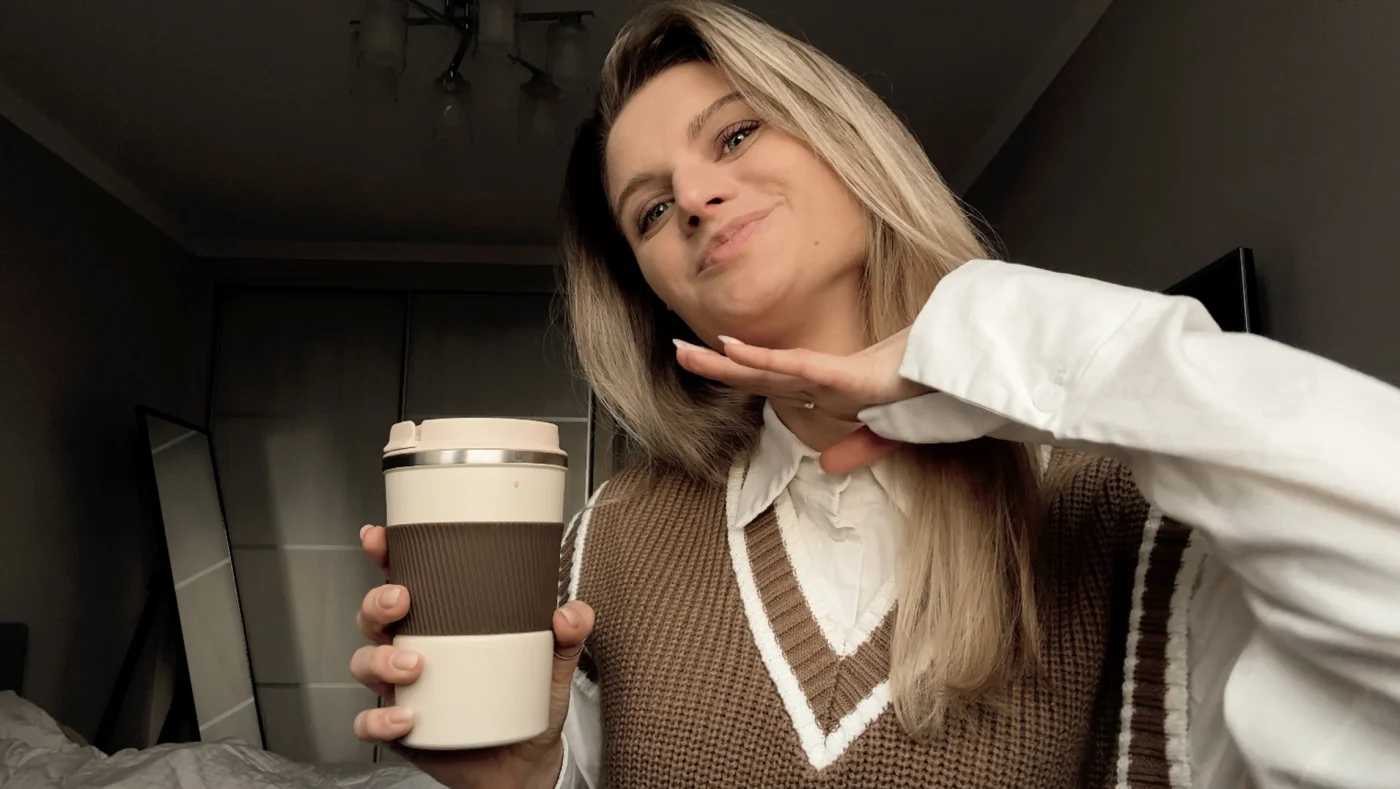
Use Soft Natural Light
- Stand facing a window, preferably in the first half of the day
- Avoid direct sunlight — it creates harsh shadows on the face
- "Golden hour" (an hour before sunset) — the ideal moment for a warm glow
Selfie in Poor Lighting:
- Enable night mode or portrait with lighting
- Don't shoot in Live Photo
- Use your own light (lamp, laptop screen, fairy lights)
Yellow or warm light in the background + cool light on the face = ideal balance
2. Angle — Your Best Beauty Filter
Slightly Above = Slimmer Face, Brighter Eyes
Hold the phone slightly above eye level, not below — this makes facial features more refined.
Distance — Arm's Length or Use a Timer
Too close a selfie distorts proportions. Better to step back slightly or set the phone and use a timer.
Mirror or Reflection — Another Hack
A selfie through a mirror gives more control over pose and looks organic.
3. Editing Selfies: Light, Stylish, Relevant
The best selfie is one edited with a sense of proportion. MULI has everything you need to make a photo "wow" without losing naturalness.
Filters:
- Creamy — for softness, light, and a "glossy" face
- Aesthetic — for basic color harmony
- Mood — if you want depth and a touch of mystery
- B&W — for a dramatic or artistic effect
Effects:
- Text shadow — if you're adding a caption
- Blur — for background or a soft accent
- Grain — to make the photo look like film
Save in 4K
Thanks to MULI, your selfie will not just be beautiful but high quality even after publishing on Instagram.
Additional Tips That Work
- Don't shoot against a light source (unless it's intentional) — this will darken the face
- Try smiling with your eyes, not just your lips — the photo will come alive
- Don't overdo retouching: modern audiences value naturalness
MULI — Your Filter Before Instagram
MULI is an aesthetic photo editor for iPhone, created specifically for those who love style, quality, and simplicity.
- Editing without quality loss
- Professional filters and tools
- 4K export for Instagram and Stories
👉 Try MULI for free on the App Store
Examples of selfie types that get likes: