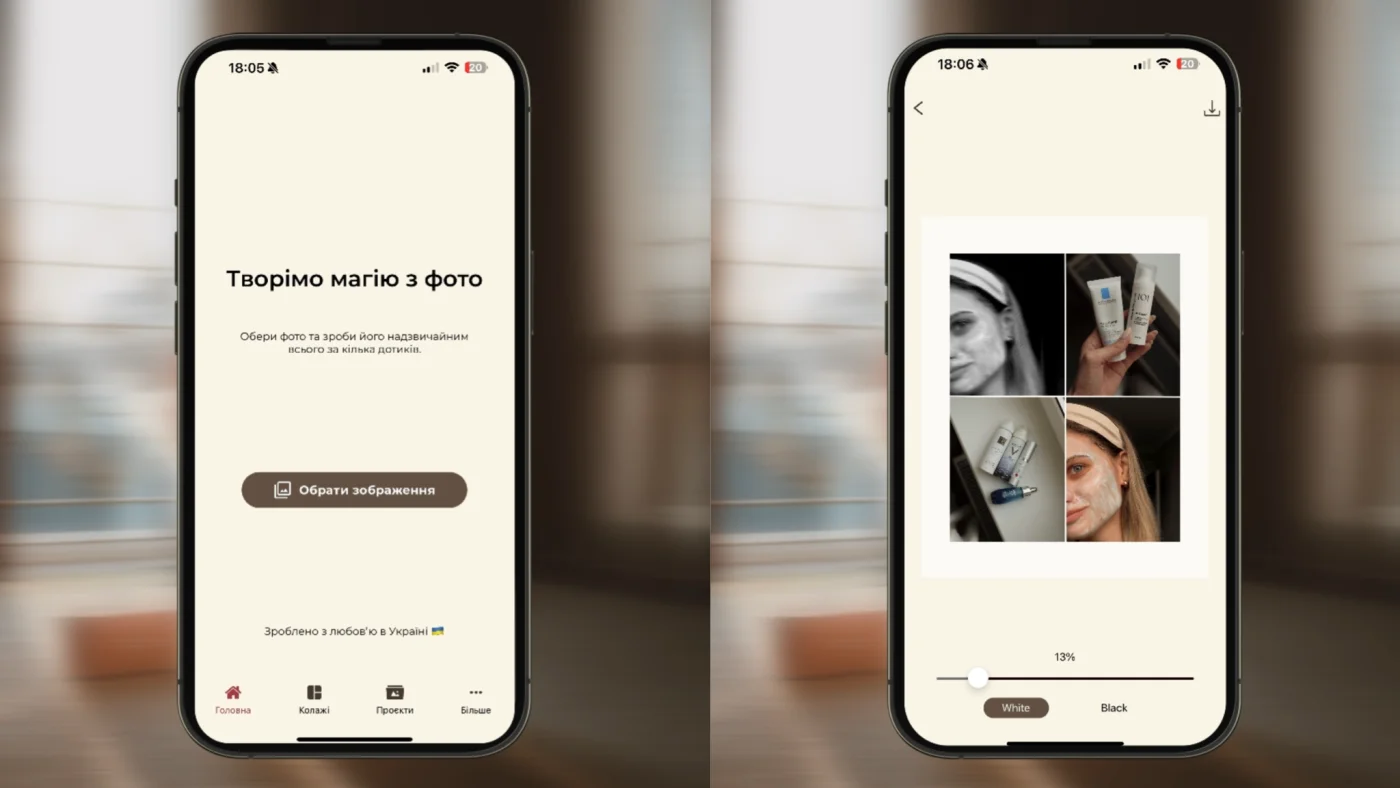
At MULI, we always listen to user feedback. And while we thought some of your questions were already covered by the app’s features, we realized that a bit of explanation can help more people discover useful tools. So here’s how to save time and create content with style.
Add multiple photos at once
Since MULI 1.3.0, you can upload several photos at once into the Projects folder. This is especially convenient if you’re working with a series of images or planning your posts in advance.
Copy settings to keep a consistent style
Want all your photos to look harmonious? In MULI, you can copy settings from one photo and apply them to others. One click — and your entire series has the same filters, light, and effects. If you’d like to dive deeper into visual consistency, check out “Color Palette in Instagram: how your visual ‘speaks’ without words”
Export a whole series in one go
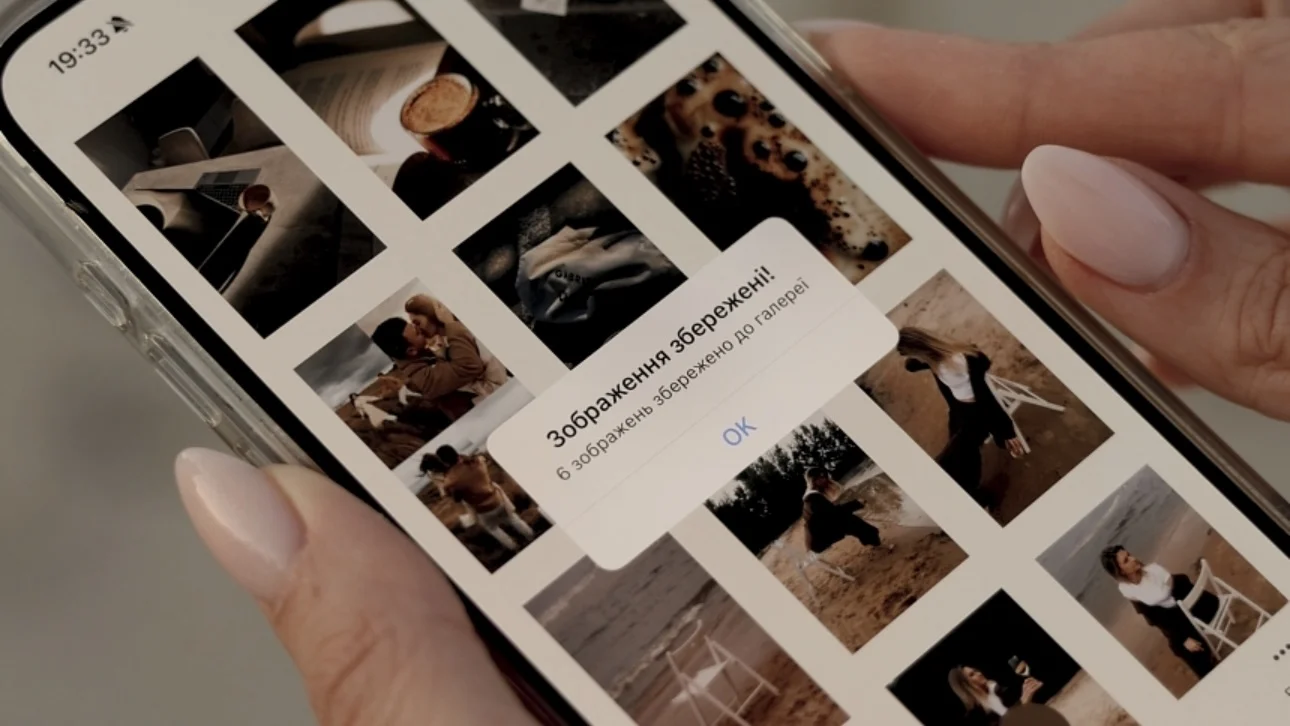
When editing is done, you don’t need to save each photo separately. MULI lets you export up to 10 photos to your gallery at the same time. Perfect for uploading a carousel or a gallery post. To make sure your photos keep the highest quality, read “How to Preserve Maximum Photo and Video Quality When Posting to Instagram”
Why it’s so convenient
- ⏱ Save time — fewer clicks, more creativity.
- 🎨 Consistency — one style across your entire feed.
- 🚀 Easy workflow — perfect for bloggers, creators, and brands.
Quick guide
- Open MULI and go to the Projects section.
- Add multiple photos from your gallery.
- Select one photo with the desired settings.
- Tap “Copy settings” and apply them to other photos.
- Finish editing and export up more 10 photos at once.
Other features in MULI
MULI is more than just multi-photo uploads. The app offers over 50 filters — from Aesthetic to B&W, Mood, and Coffee. Don’t miss our article on 2025 trending filters to see which styles are hot right now.
And if you enjoy combining photos, try MULI collages. With over 20 templates, you can quickly design stylish content for Instagram or Pinterest — with full 4K support.
✨ MULI helps you look professional without extra effort. Upload multiple photos, copy settings, create series — and your content will always stay stylish. Don’t limit yourself — use MULI to the fullest!